Quick answer
A free blog creator is useful when you want a low-risk way to go from idea to article draft without paying for a full writing stack yet. In 2026, the stronger free options help with topic discovery, first drafts, rewrites, and lightweight content workflows, but they usually come with limits around usage caps, export freedom, collaboration, or publish-ready quality.
That is the key decision point. A free blog creator can be enough for solo creators, light publishing schedules, and early workflow testing. It is usually not enough when a team needs stable output, shared review processes, stronger brand control, or lower rewrite effort every week.
The best free option is not the one with the longest feature list. It is the one that creates enough real value before the limitations start slowing the workflow down.
This guide explains how to compare free blog creator options honestly, what tradeoffs matter most, where free works well, and when it makes sense to move beyond the free layer.
sbb-itb-a759a2a
Why this category matters in 2026
The query free blog creator often attracts buyers who want more than a single prompt result. They usually want an easier way to create blog content from start to finish, even if the workflow is still lightweight.
That is why this category matters. The buyer is often trying to answer practical questions like:
- can I create usable blog content without paying yet?
- is free enough for one article a week?
- will the tool help me from idea to draft, or only for one narrow step?
- what happens when I hit usage limits or need more control?
The category matters more now because content tools increasingly promise full creation, not just ideation or raw text generation. That makes honest evaluation more important. A tool can feel like a full creator in a landing page demo and still fail once you try to use it repeatedly.
What a free blog creator should actually do
A useful free tool should help you create enough content value to test a real workflow, not just generate text once.
| Job | What a strong free option should do | What weak free options usually do |
|---|---|---|
| Idea to draft flow | Help you move from rough topic to structured article start | Give disconnected outputs that do not form a usable article |
| Prompt testing | Let you compare different prompts and article angles | Limit usage so hard that meaningful comparison becomes impossible |
| Draft improvement | Help tighten or rewrite weak sections | Offer only shallow rewrites that do not reduce edit time |
| Workflow trial | Show whether the tool can support repeated publishing | Feel useful once, then collapse under real use |
| Upgrade clarity | Make it obvious what the paid plan actually adds | Hide important limits until you are already committed |
That is the standard that matters. A free blog creator does not need to replace your whole content system. It does need to show whether the system is worth building on.
Practical framework: how to evaluate a free blog creator
The fastest way to compare free options is to score them by workflow value, not by marketing language.
| Criterion | What to check | Why it matters |
|---|---|---|
| Creation usefulness | Can you actually produce an editable blog draft? | Free is only valuable if it saves real work |
| Workflow completeness | Does the tool support more than one step in the process? | A creator should feel more complete than a single-feature tool |
| Free-plan transparency | Are usage limits and missing features clear? | Hidden limits distort the comparison |
| Edit burden | How much cleanup remains before the draft is useful? | Rewrite cost is often the real price of “free” |
| Upgrade logic | Is it obvious when free stops being enough? | Buyers need clear triggers, not surprise friction |
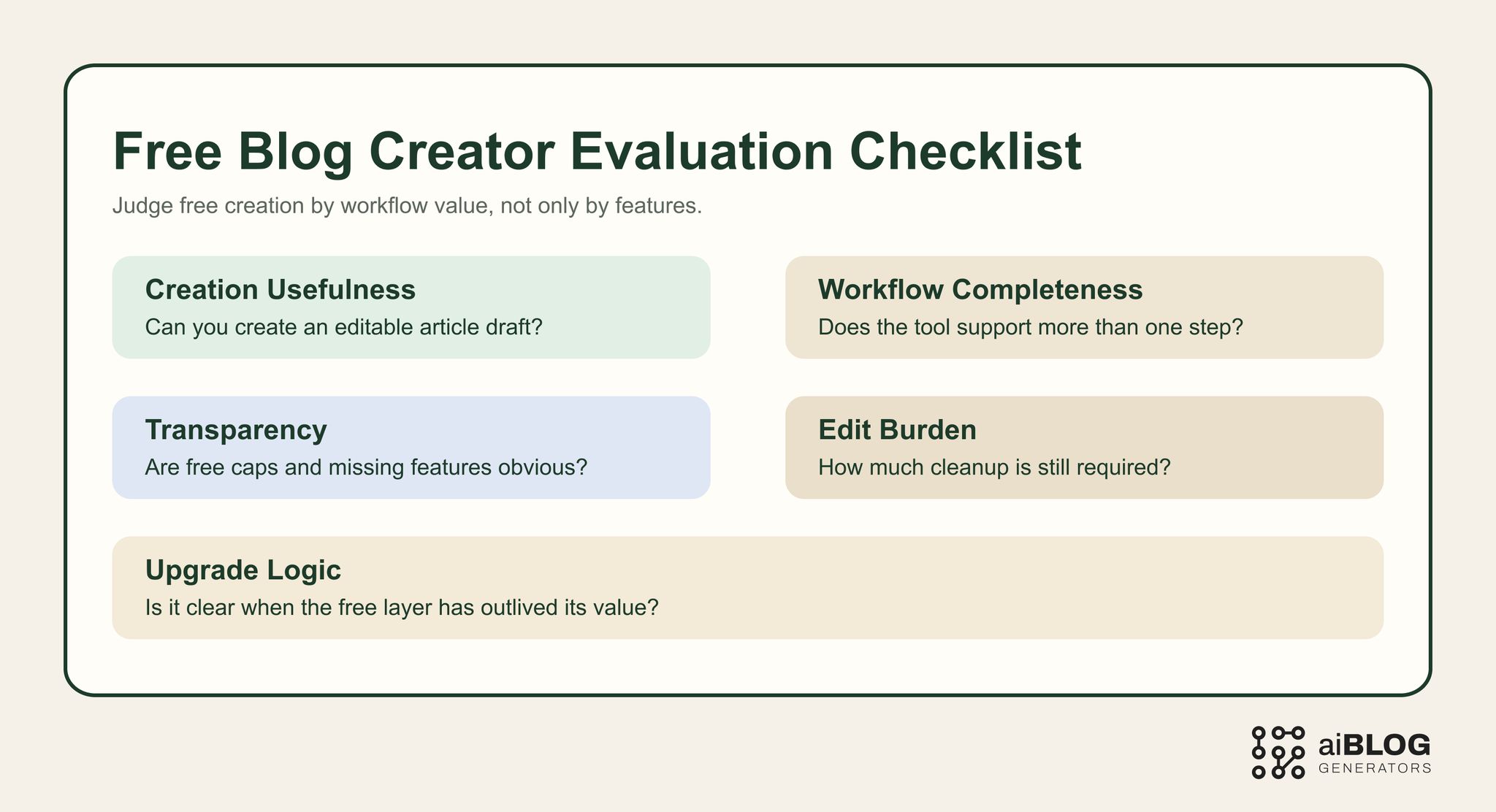
Free Blog Creator Evaluation Checklist
A practical rule works well here: judge the free creator by whether it helps you finish more of the workflow, not just start it.
External examples and tools worth studying
You do not need every tool in the market. You need a shortlist that shows different ways vendors frame free creation.
| Example | Type | Why it belongs in this guide | URL |
|---|---|---|---|
| RyRob Free AI Article Writer | Creator-focused free tool | Strong benchmark for practical free access, draft starts, and creator-friendly value framing | https://www.ryrob.com/ai-article-writer/ |
| QuillBot AI Blog Post Generator | Writing workflow tool | Useful contrast point for tools that feel simple and accessible at the start | https://quillbot.com/ai-writing-tools/ai-blog-post-generator |
| Copy.ai Blog Post Wizard | Guided creator workflow | Helpful for understanding step-based article creation inside a broader writing product | https://www.copy.ai/tools/blog-post-wizard |
| Writesonic AI Article Writer | SEO-oriented workflow | Good example for buyers comparing free experimentation with more structured article production | https://writesonic.com/ai-article-writer |
| Jasper AI Blog Post Writer | Premium creator workflow | Useful benchmark for what teams gain when they move past lighter free tools | https://www.jasper.ai/tools/ai-blog-post-writer |
| AIOSEO Best AI Blog Post Generators | Comparison article | Helpful benchmark for shortlist formatting, buyer language, and tool-level pros and cons | https://aioseo.com/best-ai-blog-post-generators/ |
Not every option here is fully free forever. That is part of the point. Buyers should compare what free actually delivers before the workflow breaks.
What “free blog creator” usually means in practice
Free can mean several very different things in this category.
1. Permanently free but narrow
These tools let you generate ideas or short drafts on an ongoing basis, but with clear feature limits.
Good when:
- you publish lightly
- you want experimentation first
- one person owns the workflow
2. Free trial in disguise
These tools give enough access to test the workflow, but the real value only opens after payment.
Good when:
- you already suspect you may upgrade soon
- you want to validate a premium workflow before committing
3. Free layer inside a broader product
Sometimes the creator feature is just one part of a larger content platform.
Good when:
- you want to evaluate the whole stack, not just one content action
- your workflow may soon need more than generation alone
That is why the word free can be misleading. The real question is what kind of free experience the tool offers, and how long that experience remains useful.
The limits that matter most
A free blog creator can feel powerful in a demo and still be frustrating in real use because of small but important restrictions.
Usage caps
Some tools limit prompts, words, articles, or credit balance.
Why it matters:
- you may not get enough repetitions to judge consistency
- low caps block meaningful workflow testing
Feature gating
Some tools let you create content for free but lock the useful controls behind payment.
Why it matters:
- the creator looks capable, but the real workflow remains closed
- you cannot fairly compare the free experience to your actual needs
Export and formatting friction
A tool may generate content but make it awkward to move into your editor or CMS.
Why it matters:
- decent output becomes less useful if handoff is messy
- free can become expensive in cleanup time
Branding and account pressure
Some free plans are designed more as a teaser than a real creator workflow.
Why it matters:
- the tool may prioritize upgrade prompts over sustained free value
- you never really learn whether the workflow fits your process
Collaboration limits
Free plans usually work best for one owner, not a real content team.
Why it matters:
- editorial coordination breaks down quickly when sharing or approval is restricted
When a free blog creator is enough
A free plan is often enough when:
- you publish at low volume
- you are still testing prompts and structure
- one person handles ideation and editing
- you mainly need rough starts and simple rewrites
- you want proof that AI belongs in your workflow before spending money
In those situations, free can be the right answer because the main goal is learning, not scale.
When free stops being enough
A free blog creator usually stops being enough when:
- you need stable output every week
- the rewrite burden remains high
- multiple people need to work in the same flow
- usage caps block real publishing cadence
- the free experience proves useful enough that its limits become the main source of friction
That is the point where many teams keep squeezing the free plan too long. The result is usually more delay and cleanup than the price of upgrading.
Prompt tests buyers should run before choosing
A serious comparison should test real creation jobs, not just one flashy prompt.
Prompt test 1: idea-to-draft start
Example: “Create a practical introduction and two body sections for a blog post comparing AI writing tools for startup teams. Keep the tone direct and avoid generic hype.”
What to look for:
- whether the tool can move from rough idea to usable article start
- whether the output has enough structure to edit
- whether the answer starts clearly instead of padding
Prompt test 2: rewrite and improve
Example: “Rewrite this weak paragraph to improve clarity, reduce repetition, and make it more useful for a content marketer.”
What to look for:
- whether the rewrite becomes better instead of merely different
- whether editorial effort drops after the rewrite
Prompt test 3: article expansion
Example: “Expand this outline into one blog section with one example, one warning, and one clear next step.”
What to look for:
- whether the free tool can build real section depth
- whether it follows format instructions consistently
Prompt test 4: repeated-use stability
Example: “Using the same brief, generate an intro, one body section, and a short FAQ. Keep the tone consistent and avoid repeating phrasing.”
What to look for:
- whether the free layer stays useful across repeated attempts
- whether quality collapses after the first good result
- whether usage caps interrupt fair testing
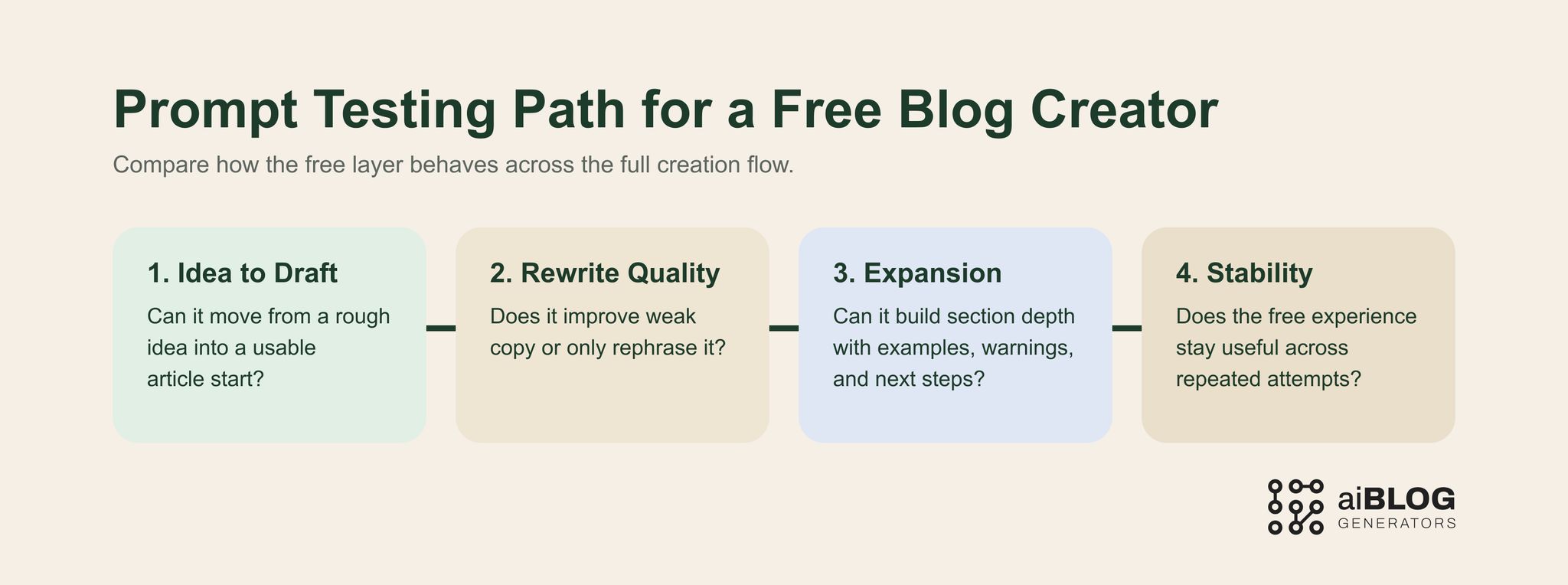
Prompt Testing Path for a Free Blog Creator
Hidden tradeoffs buyers should watch for
The biggest problem is often not the writing itself. It is the shape of the workflow around it.
Common hidden tradeoffs include:
- using more time managing free limits than creating content
- getting decent intros but weak body sections
- testing a workflow that disappears as soon as credits run out
- confusing “free to try” with “free enough to operate”
- delaying the upgrade even after the team already knows free is too limited
That is why honest testing matters. The free creator is useful only if it teaches you something reliable about long-term fit.
How to use a free creator safely in a real workflow
The best use of a free blog creator is not “generate and publish.” It is “generate, review, verify, refine.”
Step 1: define what free needs to prove
Pick one clear goal:
- first-draft creation
- prompt experimentation
- rewriting support
- low-volume publishing
- proof that the workflow can save time
Step 2: test several article jobs
Do not judge the tool on one result. Test multiple article shapes and prompt types.
Step 3: measure friction, not just output
Track:
- how many usable drafts you get
- where the free plan starts to slow you down
- how much editing remains
- whether the creator fits your actual pace
Step 4: keep factual review separate
Good-looking copy can still be shallow or wrong.
Check:
- examples
- product claims
- process advice
- any statement precise enough to mislead if incorrect
Step 5: decide on upgrade timing honestly
If the free creator creates value but the limits now dominate the workflow, that is the signal to move on.
Practical implementation plan for real teams
Start with one narrow test instead of a full migration. A free creator is easiest to evaluate when the team measures where it saves time and where the hidden limits start to slow the workflow back down.
A practical rollout usually looks like this:
- Pick one article type, such as explainers or list posts.
- Build one reusable brief with tone, structure, and CTA rules.
- Generate a first draft and measure how much manual rewriting is still needed.
- Keep only the free workflows that save time without hiding limits behind export or quota friction.
- Review the result against your normal publish checklist before expanding use.
Quality control and human review
A free creator helps only if the team can still trust the final article. Human review should confirm the output is specific, accurate, and aligned with the audience rather than just complete enough to publish.
Before publish, check:
- the opening answers the main query clearly
- examples, tools, and claims are still current
- the draft is not hiding thin sections behind polished wording
- the CTA fits the reader's stage and the article promise
Common mistakes buyers make
Mistake 1: treating free as if it should scale forever
A useful free layer is not always built for weekly production.
Better move: decide early whether free is for testing or for ongoing low-volume use.
Mistake 2: judging by the landing page promise
A tool can look like a full creator and still be weak once you test repeated use.
Better move: compare real outputs across several tasks.
Mistake 3: confusing creator value with writer quality alone
A free blog creator should be judged on the whole creation flow, not just one paragraph.
Better move: test idea-to-draft, rewrite, expansion, and handoff separately.
Mistake 4: waiting too long to upgrade
If the free plan already proved its value, forcing it to carry a bigger workflow often costs more than moving up.
Better move: treat upgrade timing as a workflow decision, not just a pricing decision.
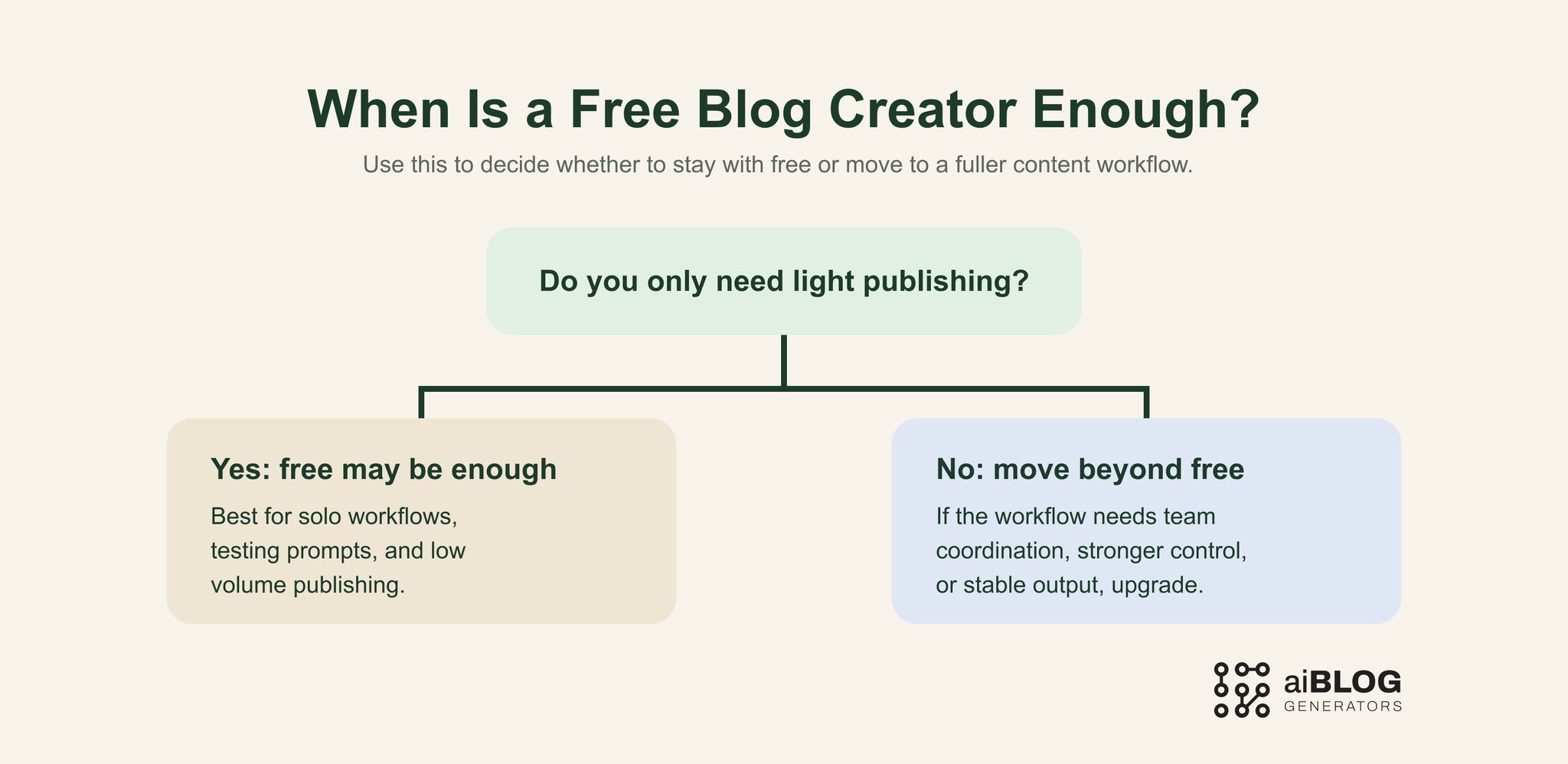
When Is a Free Blog Creator Enough?
Where AIBlogGenerators fits
AIBlogGenerators is most useful when you want a clearer way to compare creator-style workflows before committing to one tool path.
That makes it useful for teams that want to:
- compare free creation options without getting lost in marketing language
- understand where free is enough and where it breaks
- move from tool discovery to practical testing faster
- build a more repeatable workflow around AI-assisted blog creation
The strongest fit is not “replace editorial standards.” It is “make tool selection and workflow testing clearer so the team can adopt the right level of AI support.”
If you are comparing free creation workflows more broadly, it also helps to compare Free Blog Generator when you want the category-wide free generation view, Free AI Blog Generator when the workflow needs to stay AI-first, and Blog Generator when price is no longer the main filter and category fit matters more.
FAQ
What is a free blog creator?
A free blog creator is a tool or workflow layer that helps create blog content without payment upfront. The stronger options help with more than one step, such as ideation, drafting, and rewriting.
How is a free blog creator different from a blog generator?
A free blog creator usually implies a broader creation flow, while a blog generator may refer more narrowly to generating text or draft content. In practice, the categories overlap, but the creator framing usually points to a fuller workflow.
Are free blog creators good enough?
They can be good enough for experimentation, light publishing, and one-person workflows. They are usually weaker when teams need stable output, stronger controls, and lower rewrite effort at scale.
What should I test before choosing one?
Test idea-to-draft flow, rewrite quality, section expansion, repeated-use stability, and the practical limits of the free plan.
When should I move beyond free?
Move beyond free when the creator clearly saves time but the usage caps, missing features, or collaboration limits now create more friction than value.