Quick answer
A blog content generator is useful when your team needs help producing real article sections faster, not just collecting topics or spinning out headlines. In 2026, the strongest tools in this category help you move from a brief, outline, or section prompt into workable body copy that an editor can refine and verify.
That is the important distinction. A blog ideas generator helps you decide what to publish. A blog post generator helps you build a full first draft. A blog content generator sits in the middle and is often most valuable when you need to create, expand, rewrite, or repurpose content blocks inside a broader publishing workflow.
If the output gives you smooth sentences but weak structure, shallow examples, or risky factual claims, the time savings disappear fast. If the tool consistently gives your team cleaner inputs for editing, optimization, and publishing, it can become a useful production layer.
This guide explains how to evaluate the category, which tools are worth watching, what free options can and cannot do, and how to turn generated output into publishable content without lowering quality.
sbb-itb-a759a2a
Why the category matters in 2026
The query blog content generator gets used loosely, but the workflow problem behind it is specific. Many teams are not stuck because they have zero ideas. They are stuck because turning a solid brief into clear, useful, publishable sections still takes time.
That is where this category matters. A blog content generator can help with:
- drafting body sections from an approved outline
- expanding thin paragraphs into more complete sections
- rewriting weak passages in a stronger tone or format
- converting bullet-point notes into article-ready copy
- repurposing one asset into multiple content blocks
This matters more now because AI-assisted writing is no longer unusual. The real challenge is not whether machines can produce text. The real challenge is whether the output fits the team’s standards for clarity, structure, factual accuracy, and publish-readiness.
A useful blog content generator should reduce production friction. It should not create a second editing burden that cancels out the speed gain.
What a blog content generator should actually do
A strong tool in this category should help your team create useful sections faster while staying aligned with the brief.
| Job | What a strong tool should do | What weak tools usually do |
|---|---|---|
| Section drafting | Expand approved outlines into coherent, on-topic sections | Produce broad filler that ignores the section’s real purpose |
| Rewrite support | Improve clarity, flow, and specificity without losing meaning | Replace one vague paragraph with another vague paragraph |
| Content transformation | Turn notes, transcripts, or bullets into usable blog copy | Copy source material too literally or lose the core point |
| Prompt control | Let the writer guide tone, reader level, and output depth | Force generic, same-sounding content every time |
| Editorial handoff | Create blocks that are easy to fact-check and polish | Generate text that must be restructured from scratch |
That is why this page should stay centered on content production quality. The reader searching for blog content generator usually wants help creating article material, not just brainstorming ideas and not necessarily a full publish-ready article in one step.
Practical framework: how to evaluate a blog content generator
The simplest way to compare tools is to score them on the output quality that matters after generation, not during the demo.
| Criterion | What to check | Why it matters |
|---|---|---|
| Section usefulness | Does the generated section actually answer the brief? | Fast output is irrelevant if the section misses the point |
| Prompt responsiveness | Does the tool follow formatting, audience, and tone instructions well? | Better prompt control creates more reusable output |
| Depth and specificity | Are examples, explanations, and transitions useful enough to keep? | Thin content adds edit time instead of saving it |
| Verification burden | How many claims need review or correction before publish? | Editorial safety matters more than fluency |
| Workflow fit | Can your team move the output into briefs, drafts, or CMS-ready edits easily? | A tool that breaks the workflow will not scale |
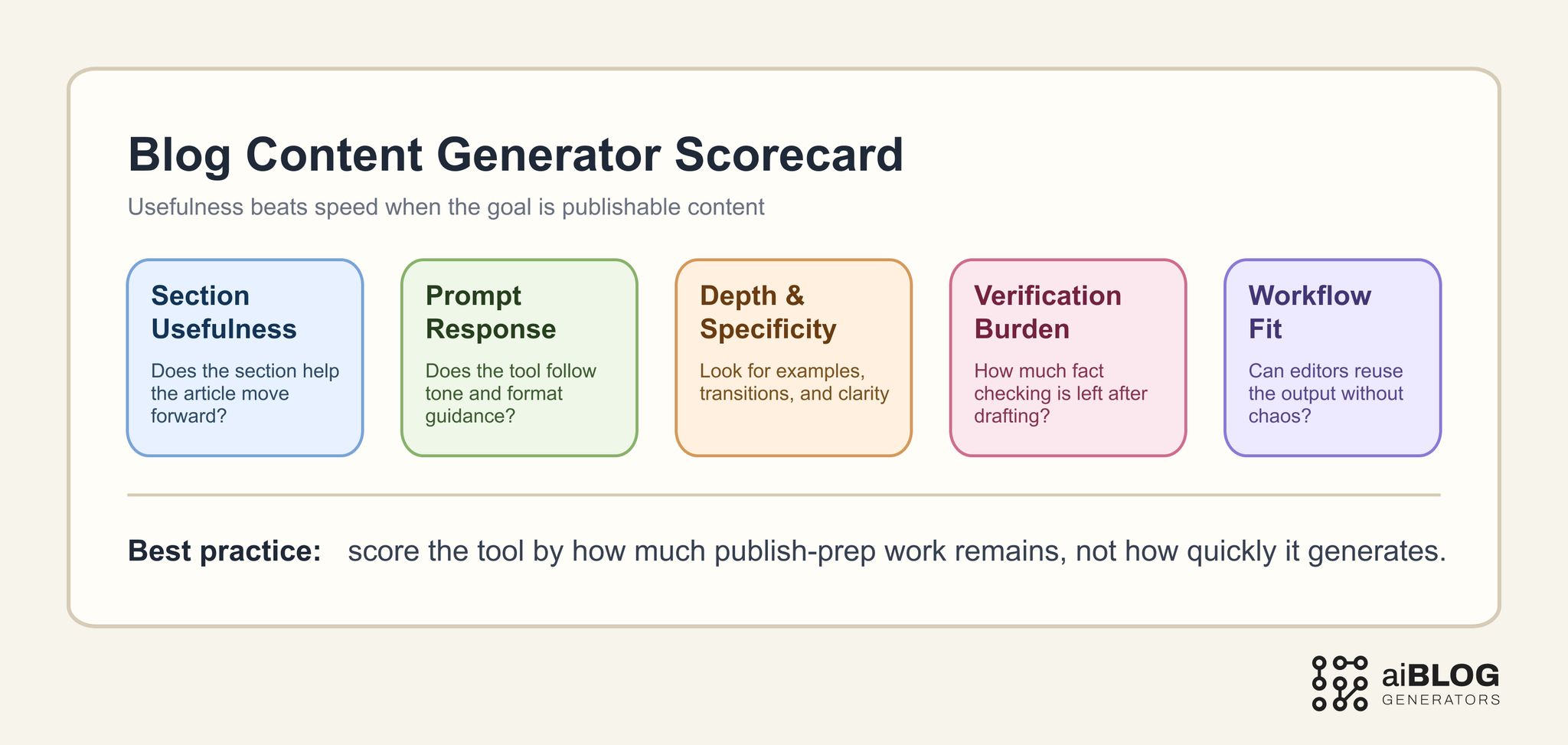
Blog Content Generator Scorecard
A good rule here is to score the category by how much publish-prep effort remains. If the tool creates sections that need total reconstruction, it is not solving the real production problem.
External examples and tools worth studying
You do not need a huge tool list. You need a shortlist that shows the main ways vendors frame content generation today.
| Example | Type | Why it belongs in this guide | URL |
|---|---|---|---|
| QuillBot AI Blog Post Generator | Tool page | Good benchmark for simple prompt-to-content generation and accessible user flow | https://quillbot.com/ai-writing-tools/ai-blog-post-generator |
| Jasper AI Blog Post Writer | Product workflow | Useful for studying structured content creation, tone control, and premium positioning | https://www.jasper.ai/tools/ai-blog-post-writer |
| Writesonic AI Article Writer | Product workflow | Helpful benchmark for SEO-oriented long-form generation and content expansion | https://writesonic.com/ai-article-writer |
| Copy.ai Blog Post Wizard | Guided workflow | Useful for seeing how tools frame step-by-step content generation rather than one-shot output | https://www.copy.ai/tools/blog-post-wizard |
| RyRob Free AI Article Writer | Creator benchmark | Strong reference for quick-answer framing, use-case language, and creator-oriented positioning | https://www.ryrob.com/ai-article-writer/ |
| AIOSEO Best AI Blog Post Generators | Comparison article | Good shortlist benchmark for buyer criteria, pros and cons, and category-level explanations | https://aioseo.com/best-ai-blog-post-generators/ |
The goal is not to copy these pages. It is to understand how the category is being positioned across creator workflows, SEO workflows, and broader team content operations.
Where a blog content generator fits in the workflow
A blog content generator is most useful after the angle is already chosen.
That means it usually fits between:
- ideation and topic approval
- outline approval and full editorial polish
- source gathering and final publish prep
In practical terms, it can help when your team needs to:
- draft a first pass of the body sections from an approved outline
- rewrite thin copy so a section becomes more complete
- turn notes from SMEs into readable paragraphs
- repurpose webinar, podcast, or research notes into blog sections
- create FAQ blocks, summaries, intros, and transitions faster
It is less useful when the real bottleneck is:
- choosing the topic in the first place
- defining the article angle
- verifying claims and examples
- deciding what the final editorial position should be
That is why teams often misjudge these tools. They use a content generator to solve a planning problem, then conclude that the category is weak. In reality, the tool was placed too early in the workflow.
How to test a blog content generator properly
If you want a serious comparison, test the tool on the jobs you actually expect it to do.
Test 1: section expansion
Prompt the tool with a short outline and one thin paragraph.
Example: “Expand this section into a clear explanation for SaaS marketers. Keep the tone practical, include one risk, and end with a brief action step.”
What to look for:
- whether the output follows the reader level
- whether the explanation becomes more useful, not just longer
- whether the action step feels natural instead of bolted on
Test 2: rewrite and tighten
Prompt the tool with weak, repetitive copy.
Example: “Rewrite this section to remove repetition, improve transitions, and make the examples more concrete for a B2B blog audience.”
What to look for:
- whether the tool actually improves clarity
- whether it preserves the meaning of the original section
- whether it introduces unsupported claims while trying to sound smarter
Test 3: source-to-section conversion
Give the tool bullets, notes, or transcript fragments.
Example: “Turn these bullet notes into a blog section with a clear opening sentence, a short explanation, and one example. Keep it factual and avoid invented details.”
What to look for:
- whether it stays close to the source material
- whether it adds helpful structure without hallucinating facts
- whether the section is ready for an editor to verify and polish
Test 4: multi-section content workflow
Test how the tool performs across more than one part of an article.
Example: “Using this outline, draft the introduction, one core section, and a short FAQ. Keep the tone consistent and avoid repeating the same phrasing.”
What to look for:
- whether tone and quality hold across sections
- whether the tool creates repetitive patterns when used repeatedly
- whether the sections feel like one article instead of disconnected blocks
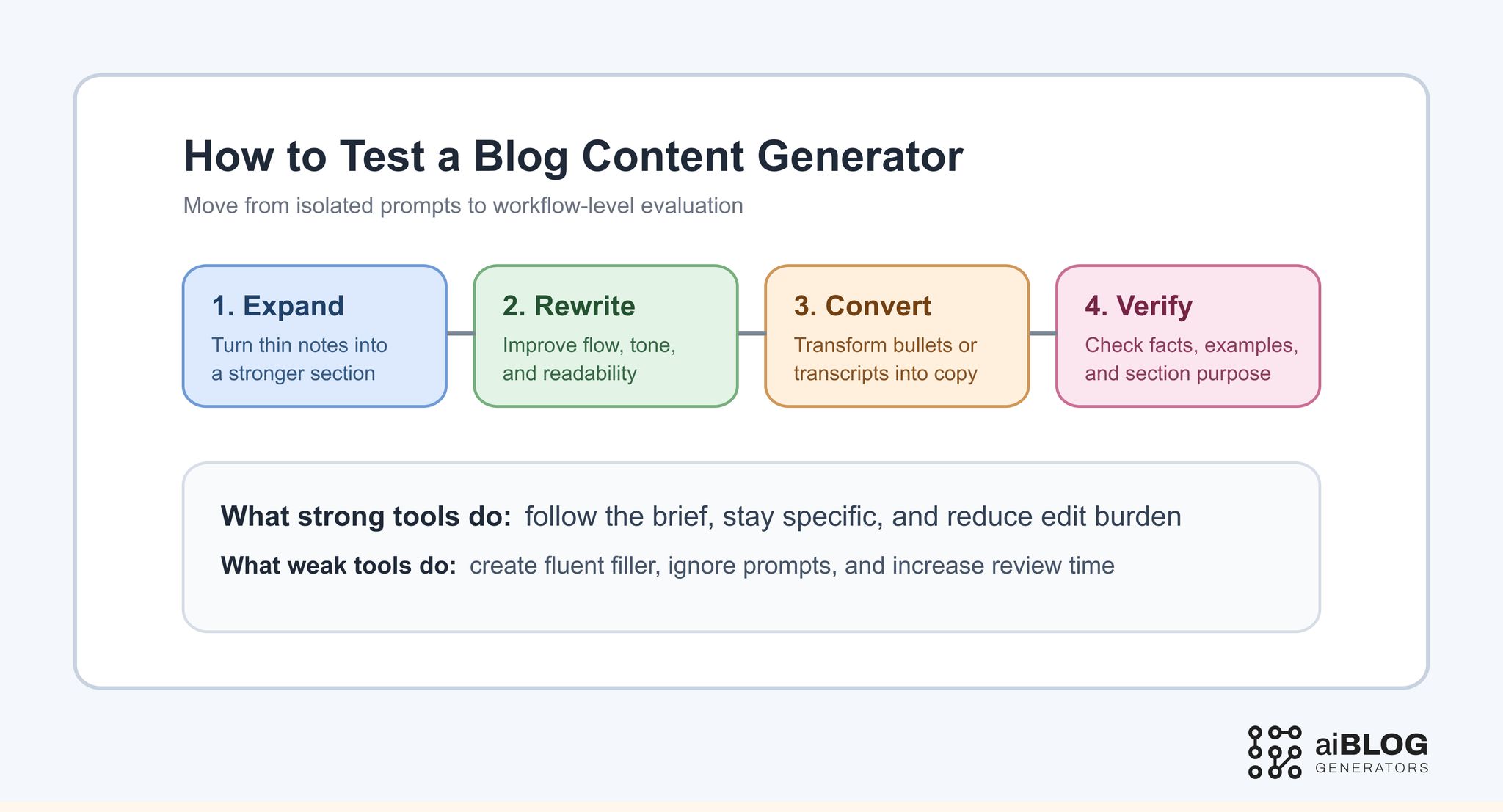
How to Test a Blog Content Generator
What free blog content generators are actually good for
A free ai blog content generator or blog content generator free workflow can be useful, but usually in narrower roles.
Free plans are often good enough for:
- testing prompts and section formats
- writing FAQ candidates
- expanding short outlines into early drafts
- rewriting one paragraph in a clearer way
- generating rough internal drafts for review
Free plans are usually weaker when you need:
- consistent long-form section quality
- better control over tone and structure
- collaboration-friendly workflows
- brand voice stability
- lower factual risk at scale
That does not mean free tools are a waste. It means they are often better as evaluation layers or lightweight drafting assistants than as the final engine of a serious publishing pipeline.
A practical implementation plan for real teams
The best use of a blog content generator is not “press button, publish article.” The better model is “generate, review, verify, refine.”
Step 1: define the exact job
Decide whether the tool is for:
- section drafting
- rewrite support
- source transformation
- FAQ generation
- brief expansion
One tool can support several jobs, but your evaluation should start with one.
Step 2: standardize the prompt scaffold
If every teammate prompts differently, the comparison will be noisy.
Your scaffold should usually include:
- target audience
- section purpose
- tone guidance
- format constraints
- claims that must stay factual
- what to avoid
Step 3: review the outline before the section draft
Even content generators work better when the structure is already approved. That keeps the tool from taking the article in the wrong direction.
Step 4: measure edit time, not generation time
A tool that writes quickly can still slow the workflow if editors spend too long fixing it.
Track:
- time to acceptable section draft
- number of factual corrections needed
- number of structural rewrites needed
- how often the tool ignores prompts
- whether the copy can be reused across the workflow
Step 5: keep human review mandatory
The content generator should make editors faster, not replace the review layer. Publish quality still depends on a human checking meaning, examples, accuracy, and relevance.
Common mistakes teams make with blog content generators
Mistake 1: expecting publish-ready sections every time
That expectation usually leads to disappointment or risky publishing behavior.
Better approach: treat the tool as a draft accelerator, not a replacement for editorial judgment.
Mistake 2: confusing longer output with better output
Some tools produce a lot of text without producing useful text.
Better approach: score sections by usefulness, clarity, and edit burden, not by length.
Mistake 3: skipping source verification
A generator can make unsupported claims sound confident.
Better approach: verify facts, examples, product details, and trend statements before final polish.
Mistake 4: using the tool too early in the workflow
If the topic, angle, or outline is still weak, generated content only makes the mess bigger.
Better approach: use the generator after you have at least a stable brief or outline.
Mistake 5: allowing category overlap to blur the page
A page about blog content generator can drift into blog ideas generator, blog post generator, or general AI writer territory.
Better approach: keep the main lens on content-production quality, rewrite control, and editorial handoff.
Quality control and human review are the real differentiators
This category only becomes truly valuable when the team builds a review system around it.
A strong review pass usually checks:
- does the section actually answer the intended subtopic?
- are any examples current and relevant?
- does the tone match the site and audience?
- did the model introduce unsupported claims?
- does the section fit cleanly into the article around it?
That is the real dividing line between casual experimentation and a working content system. The tool creates momentum, but the review layer protects quality.
Where AIBlogGenerators fits in this workflow
AIBlogGenerators is most useful when you are comparing which category actually solves your current bottleneck. Some teams need a stronger writing layer. Others need a better publishing workflow or a clearer shortlist before they commit.
Useful internal paths:
- compare drafting-focused tools at AI Writer
- review broader publishing-oriented options at AI Blog
- explore the category hub in Blog
This is especially helpful when the team is not sure whether it needs a dedicated blog content generator, a full blog post generator, or a wider content generator software stack.
If you are deciding how much of the content workflow should be automated, it also helps to compare AI Blog Content Generator when you want the AI-first version of this category, Free Blog Content Generator when free-plan limits matter more than pure workflow depth, and Blog Post Content Generator when the job is one post asset rather than a broader content workflow.
A 30-day rollout plan for using a blog content generator well
Week 1: define the test jobs
Choose two or three real use cases such as section drafting, rewriting, and FAQ generation.
Week 2: compare tools with the same prompts
Use a shared scaffold so the output differences are meaningful.
Week 3: measure edit burden
Track how much verification, restructuring, and cleanup the output still needs.
Week 4: keep the tool only if it improves publishable throughput
If the tool creates too much rewrite debt, narrow its role or replace it.
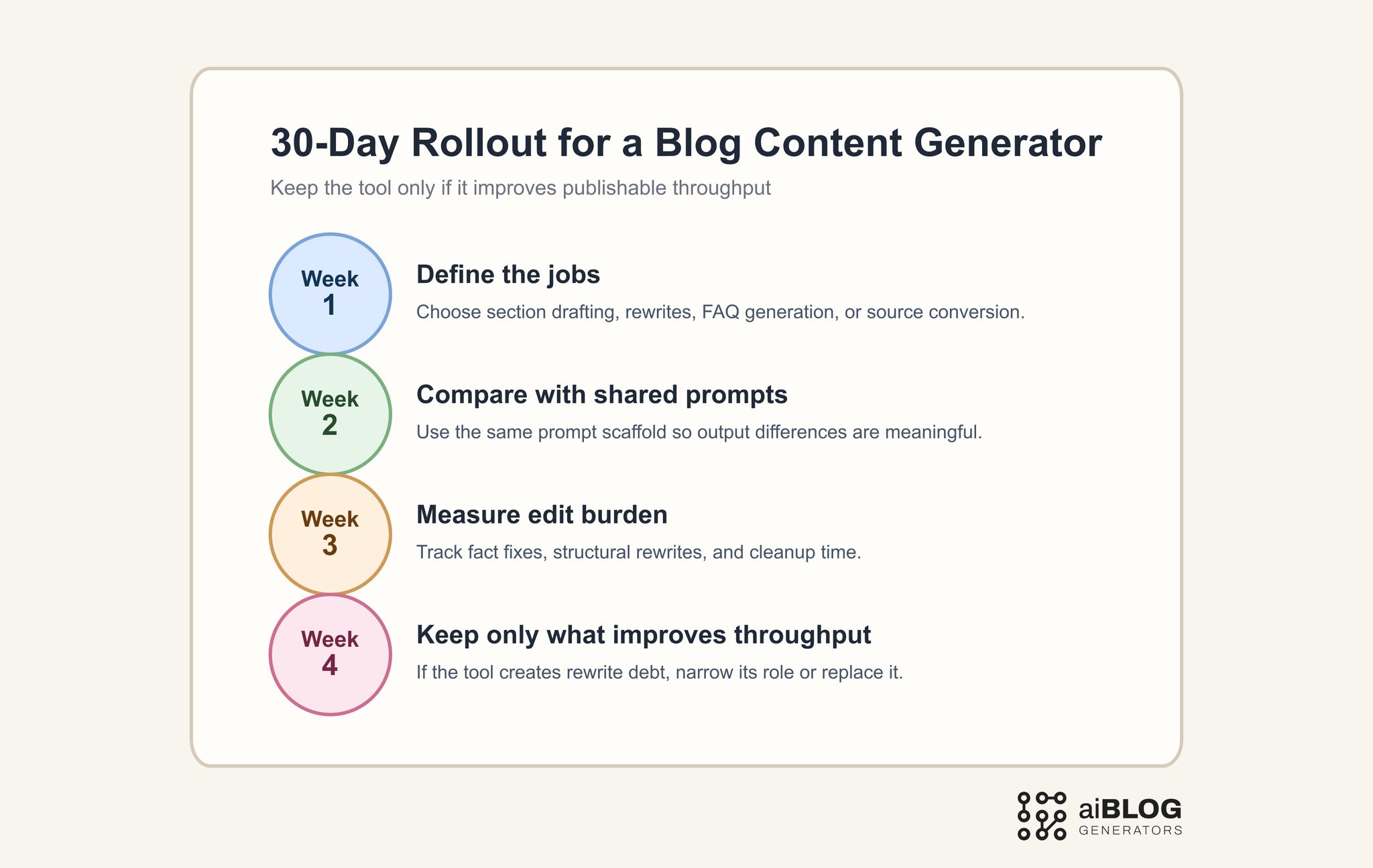
30-Day Rollout for a Blog Content Generator
The best tools in this category do not just create more text. They create more usable text.
FAQ
What is a blog content generator?
A blog content generator is a tool or workflow that helps create article sections, paragraphs, FAQs, rewrites, or other blog-ready content blocks from prompts, outlines, or source material.
How is a blog content generator different from a blog ideas generator?
A blog ideas generator helps with ideation and angle discovery. A blog content generator is more focused on creating the actual article material after the angle is already decided.
Can a free ai blog content generator be enough?
Yes, for testing prompts, early drafts, FAQ generation, and limited section work. It is usually less dependable for higher-volume publishing workflows that need more control and consistency.
When should I use a blog content generator instead of a blog post generator?
Use a blog content generator when you need help with parts of the article, such as section drafting or rewriting, rather than a full article draft from start to finish.
What should I measure during a trial?
Track section usefulness, prompt responsiveness, factual correction load, rewrite burden, and whether the output reduces or increases editorial work.
Does AI-generated content still need human review?
Yes. Human review is still necessary for factual verification, examples, tone, structure, and final publish quality.