Quick answer
A blog ideas generator is useful when your biggest content bottleneck is not writing speed, but deciding what to write next. In 2026, the best tools in this category help you move from vague topic requests to sharper, more usable angles. They do not just create title lists. They help you spot audience questions, cluster related angles, and build a content queue that is easier to brief and publish.
That is what separates a useful blog ideas generator from a noisy headline machine. If the output gives you ten versions of the same generic article, it is not helping. If it produces differentiated ideas that map to audience needs, funnel stages, and content formats, it can improve your editorial pipeline long before drafting starts.
This guide explains how to evaluate the category, what examples are worth studying, and how to use idea-generation output without turning your content calendar into a duplicate-content trap.
sbb-itb-a759a2a
Why this category matters in 2026
Most teams think they have a writing problem when they actually have an ideation problem. Drafting looks slow because the angle is weak, the audience is unclear, or the topic was never strong enough to earn a full article in the first place.
That is why the blog ideas generator category matters more now than it used to. AI writing tools have made it easy to create text quickly, which means weak ideas can now spread across a content calendar faster than before. If the idea stage is messy, the rest of the workflow becomes expensive.
A strong idea tool now matters for three reasons:
- it helps teams find specific angles instead of broad, overused themes
- it reduces duplicate planning across similar keywords and formats
- it creates cleaner inputs for briefs, outlines, and full draft tools later in the workflow
In other words, a blog ideas generator is less about inspiration and more about editorial quality control at the top of the funnel.
What a blog ideas generator should actually do
A useful blog ideas generator should help your team move from a broad topic into a set of usable, distinct, and brief-ready article paths.
| Job | What strong output looks like | Common failure mode |
|---|---|---|
| Angle discovery | Fresh article concepts tied to audience pain points | Generic listicles with no clear user problem |
| Topic expansion | Supporting angles, FAQs, objections, and subtopics | One keyword repeated in slightly different wording |
| Prioritization support | Ideas that are easy to sort by value, funnel stage, or difficulty | Too much volume with no editorial signal |
| De-duplication | Clear separation between similar topics and formats | Cannibalizing ideas that compete with each other |
| Brief handoff | Ideas that can turn into article briefs without a restart | Clever headlines that collapse when you try to outline them |
That last point matters a lot. A blog ideas generator should reduce downstream friction. If your writers still need to reinvent the angle after seeing the output, the tool is not doing enough.
Practical framework: how to evaluate a blog ideas generator
The fastest way to compare tools is to use an idea-quality scorecard rather than judging them by output volume.
| Criterion | What to check | Why it matters |
|---|---|---|
| Relevance | Do the ideas fit the audience, niche, and business goal? | Irrelevant ideas waste time even if they sound creative |
| Originality | Are the concepts meaningfully different from each other? | Repetitive idea lists create content cannibalization |
| Intent clarity | Can you tell what reader question or need each idea serves? | Good ideas are easier to turn into structured briefs |
| Expansion quality | Does the tool surface FAQs, objections, or sub-angles? | Strong idea systems feed stronger outlines later |
| Workflow fit | Can your team score, sort, and hand off the output quickly? | Good ideas need to move cleanly into editorial planning |
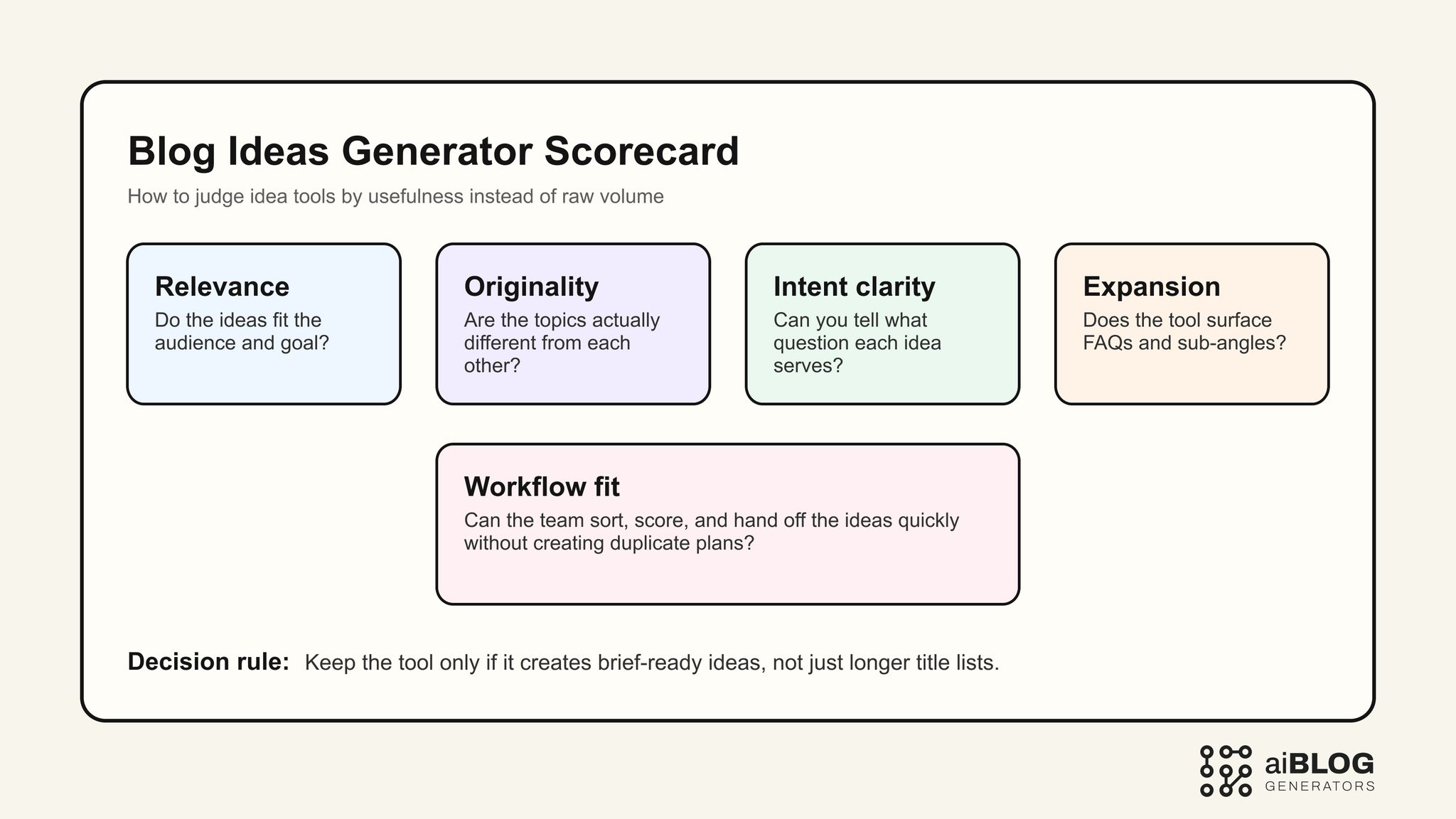
Blog Ideas Generator Scorecard
A simple rule works well here: if the tool gives you many ideas but only a few can become real articles, judge the tool by the few, not the many.
External examples and tools worth studying
You do not need every idea tool in the market. You need a shortlist that shows different ways teams discover and shape content ideas.
| Example | Type | Why it belongs in this guide | URL |
|---|---|---|---|
| RyRob Blog Idea Generator | Idea tool | Useful benchmark for creator-focused topic prompts and quick ideation flow | https://www.ryrob.com/blog-idea-generator/ |
| AnswerThePublic | Question research tool | Strong for finding audience phrasing, search questions, and FAQ angles | https://answerthepublic.com/ |
| AlsoAsked | Question mapping tool | Helpful for follow-up question discovery and cluster building | https://alsoasked.com/ |
| AIOSEO Best AI Blog Post Generators | Comparison article | Good benchmark for shortlist framing and buyer-language explanations | https://aioseo.com/best-ai-blog-post-generators/ |
| QuillBot AI Blog Post Generator | Draft tool | Useful contrast point for when ideation should hand off into drafting | https://quillbot.com/ai-writing-tools/ai-blog-post-generator |
| Blaze AI Blog Post Generator | Workflow tool | Helpful for understanding when an idea tool should be part of a broader content stack | https://www.blaze.ai/ai-writer/ai-blog-post-generator |
The key is to compare idea-generation tools against the actual job you need them to perform. Some teams need headline variety. Others need a repeatable way to build article clusters without duplication.
Where a blog ideas generator fits in the workflow
A blog ideas generator sits earlier than a blog post generator or a full blog writer workflow.
It is most useful when you need help with:
- discovering angles before drafting starts
- expanding one topic into a small content cluster
- building a backlog for different funnel stages
- turning audience questions into article ideas
- spotting gaps in an editorial calendar
It is less useful when you already know the exact angle and need:
- a structured outline
- full article drafting
- rewriting support
- publish-ready formatting
That is where many teams get confused. They use an idea tool to solve a drafting problem, then conclude the category is weak. In reality, the tool was doing a different job.
A practical way to test idea quality
If you want a serious evaluation, use prompt sets that force the tool to show range, not just volume.
Prompt test 1: audience pain-point ideas
Ask for ideas tied to a specific audience and problem.
Example: “Generate 15 blog ideas for solo SaaS founders who need more organic traffic but cannot publish more than two articles per month. Group the ideas by funnel stage and remove generic listicles.”
What to look for:
- whether the ideas feel audience-specific
- whether the funnel-stage grouping is usable
- whether the output avoids obvious filler concepts
Prompt test 2: query expansion and supporting angles
Ask the tool to build around one core topic.
Example: “Generate blog ideas related to blog ideas generator for buyers comparing tools, including FAQs, objections, and side-by-side comparison angles.”
What to look for:
- whether the generator can surface adjacent but distinct angles
- whether it avoids simply repeating the seed phrase
- whether the ideas can naturally become separate briefs
Prompt test 3: calendar planning
Ask for a multi-week content plan.
Example: “Create a 4-week content plan for an AI tools directory. Include one BOFU comparison, one workflow guide, one FAQ-style post, and one mid-funnel educational post each week.”
What to look for:
- whether the tool varies content formats
- whether it creates duplication across weeks
- whether the output can be used by an editor immediately
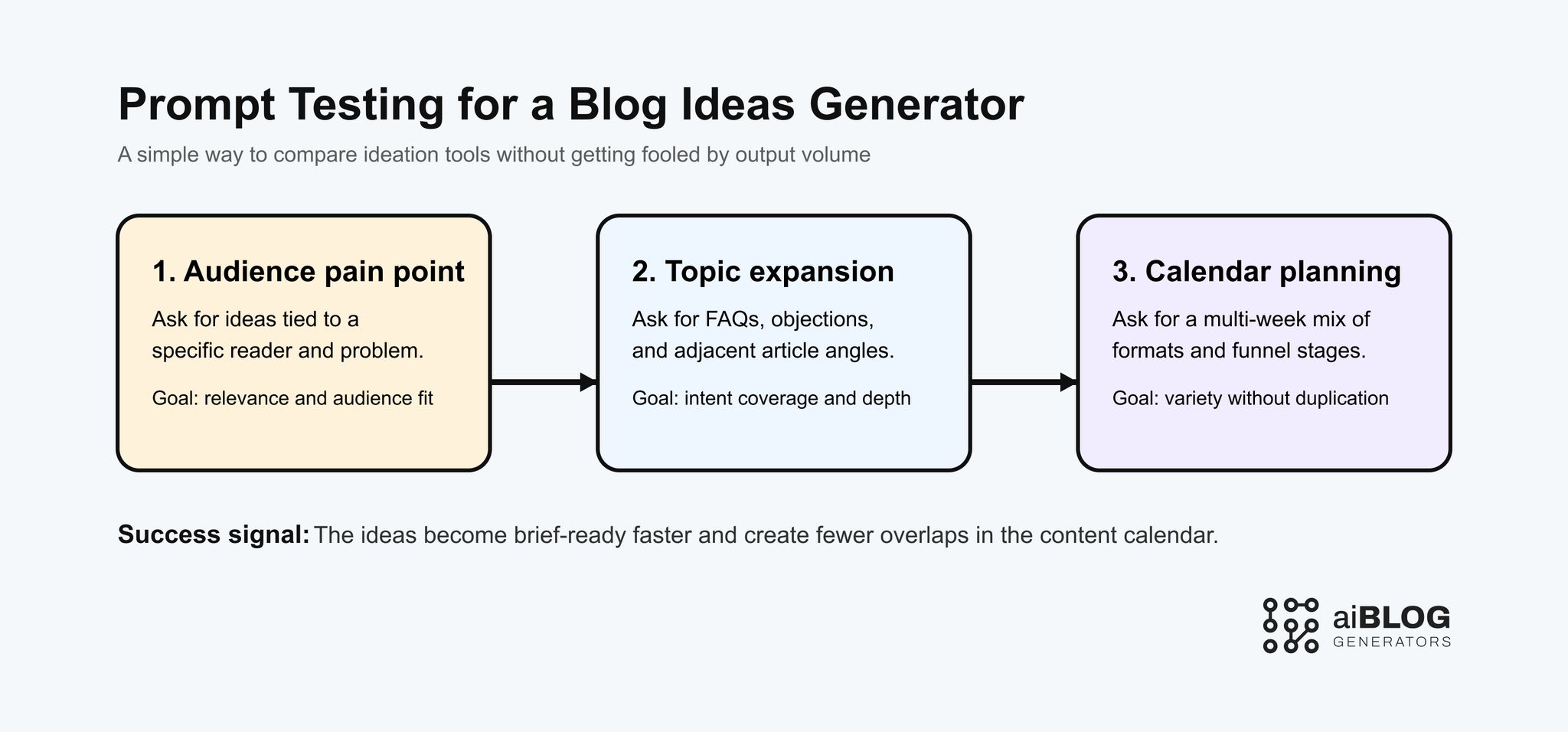
Prompt Testing for a Blog Ideas Generator
How to prevent idea tools from creating duplicate content plans
This is one of the biggest real risks with AI-assisted ideation. A generator can feel productive because it keeps producing ideas, but many of them are only small variations of the same article.
To avoid that, add three checks before an idea enters the calendar:
1. Check format difference
Ask whether two ideas are truly different in format. For example:
- comparison post
- how-to guide
- FAQ explainer
- use-case article
- template roundup
Two ideas with different titles but the same format and same user need are usually duplicates.
2. Check audience difference
Ask whether the articles serve different readers. If not, they may be competing for the same demand.
3. Check angle difference
Ask whether the article solves a different question or just uses different wording.
This is where a blog ideas generator becomes useful as a planning assistant rather than a novelty tool. It should help your team reduce overlap, not multiply it.
A practical implementation plan for real teams
Step 1: define the content lane first
Choose a niche, audience, and publishing goal before testing tools. Otherwise the comparison becomes random.
Step 2: create one scoring template
Keep one sheet or rubric that scores:
- idea usefulness
- originality
- ease of handoff
- likely funnel stage
- duplication risk
Step 3: test small batches, not giant lists
Evaluate 10 to 20 ideas at a time. Large idea dumps often look impressive but are harder to judge honestly.
Step 4: force a handoff into briefs
Take the best 3 ideas from each tool and turn them into brief skeletons. If the ideas cannot survive that handoff, they are weaker than they first appeared.
Step 5: connect the winning tool to editorial planning
Once one tool consistently gives strong ideas, define its role clearly:
- ideation only
- ideation plus FAQ expansion
- ideation plus content-cluster planning
That role clarity is what makes the category actually useful.
Common mistakes teams make with blog ideas generators
Mistake 1: judging the tool by how many ideas it creates
Volume is easy. Useful editorial direction is harder.
Better approach: score how many ideas can become real briefs without a restart.
Mistake 2: skipping the audience layer
A generator can create many interesting topics that still miss the real customer or reader.
Better approach: test every tool with audience-specific prompts, not broad topics alone.
Mistake 3: using the tool without de-duplication rules
This is how teams accidentally build three articles around the same question.
Better approach: add format, audience, and angle checks before an idea enters the queue.
Mistake 4: moving to full draft generation too early
Weak ideas do not get better just because they become longer.
Better approach: stabilize idea quality before expanding into article generation.
Mistake 5: treating ideation like strategy
A blog ideas generator can accelerate options, but it should not replace the team's judgment about business priorities.
Better approach: let the tool create options, then let editors choose what matters.
Quality control and human review still matter here
Even at the ideation stage, human review is what makes the output strategic.
A useful review pass should ask:
- does this idea solve a real reader problem?
- does it belong in this quarter's priorities?
- does it overlap with an article we already have or planned recently?
- is the format right for the question?
- can it become a brief without inventing a new angle from scratch?
That is the difference between random ideation and a working editorial system.
Where AIBlogGenerators fits in this workflow
AIBlogGenerators is most useful when you need to compare categories, shortlist better writing and planning tools, and decide whether your next bottleneck is ideation, drafting, or workflow structure.
Useful internal paths:
- compare writing-oriented tools at AI Writer
- review publishing-focused options at AI Blog
- explore the full category hub in Blog
That makes AIBlogGenerators most useful before you commit to a tool stack. You can use it to decide whether you really need a blog ideas generator, a full blog post generator, or a broader content workflow system.
If you are still deciding whether the job is ideas, topics, or full drafts, it also helps to compare Blog Topic Generator when you need the broader topic-planning version of the workflow, Blog Topic Idea Generator when angle generation is the real bottleneck, and Blog Topics Generator when you want wider cluster planning instead of one-off ideation.
A 30-day rollout plan for using a blog ideas generator well
Week 1: lock your scoring rules
Define what counts as a usable idea, what counts as a duplicate, and which audience/funnel labels matter.
Week 2: compare outputs across a small shortlist
Run the same prompt set across a few tools and score the ideas manually.
Week 3: turn top ideas into brief skeletons
Test whether the best outputs can become article briefs without heavy reinvention.
Week 4: keep the tool only if it improves planning speed and quality
If the generator adds noise, duplication, or weak angles, narrow its role or replace it.
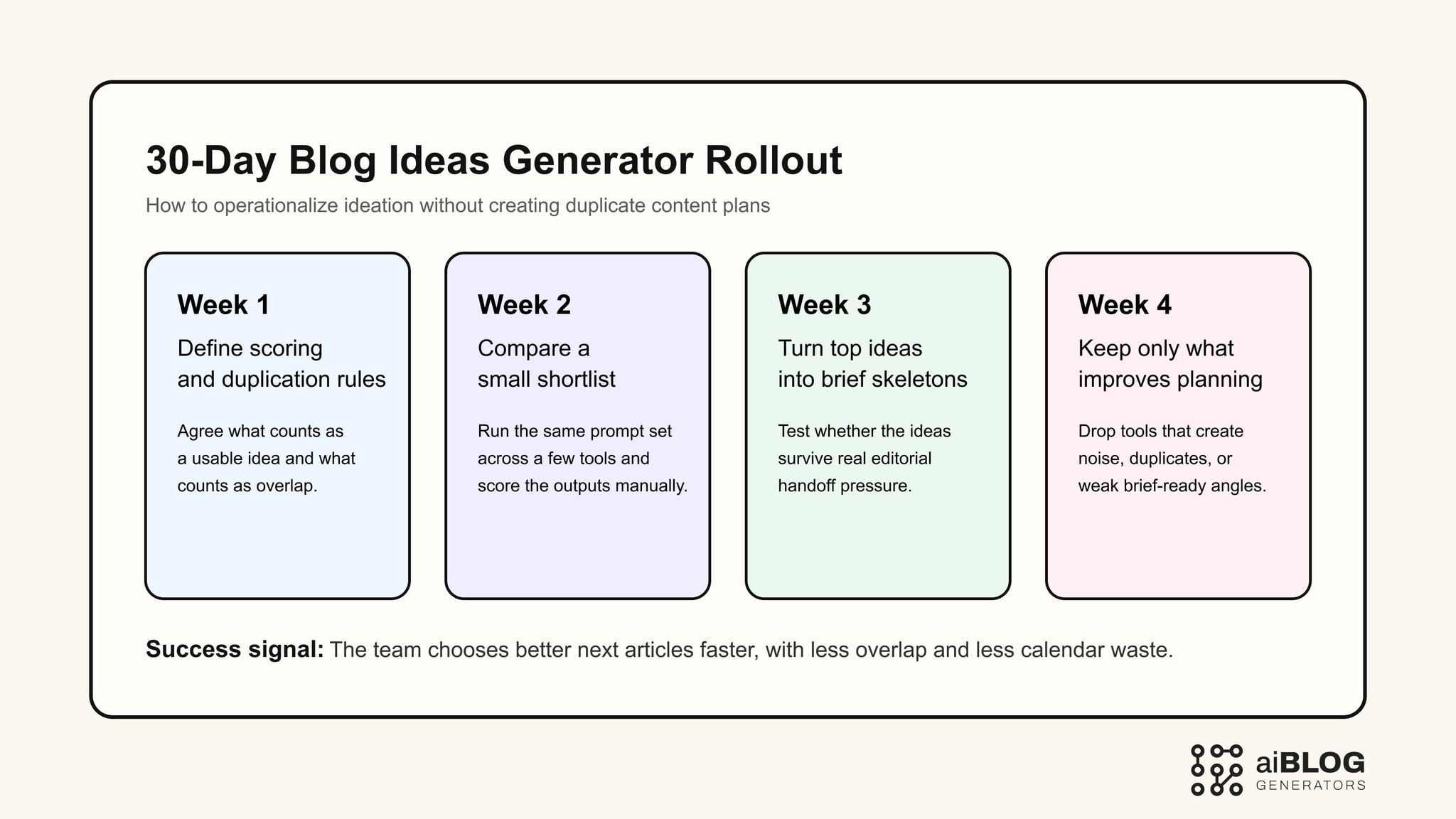
30-Day Blog Ideas Generator Rollout
The best tools in this category do not just make content calendars longer. They make the next article easier to choose.
FAQ
What is a blog ideas generator?
A blog ideas generator is a tool or workflow that helps create article concepts, angles, and topic variations based on an audience, keyword, or content goal.
How is a blog ideas generator different from a blog post generator?
A blog ideas generator focuses on ideation and angle discovery, while a blog post generator is more focused on producing a full first draft.
When should I use a blog ideas generator instead of a full writer?
Use a blog ideas generator when the main bottleneck is choosing topics, finding better angles, or building a stronger editorial queue before drafting starts.
Can a blog ideas generator help prevent cannibalization?
Yes, if you review ideas for format, audience, and angle differences before adding them to the calendar. Without review, it can also create more overlap.
What should I measure during a trial?
Track idea usefulness, originality, ease of handoff into briefs, duplication risk, and whether the output supports your actual publishing priorities.
Is a free tool enough for ideation?
A free tool can be enough for testing and basic brainstorming, but teams usually need stronger structure, sorting, and workflow control once content operations scale.